How to Find and Cancel Subscriptions Quietly Eating Your Budget
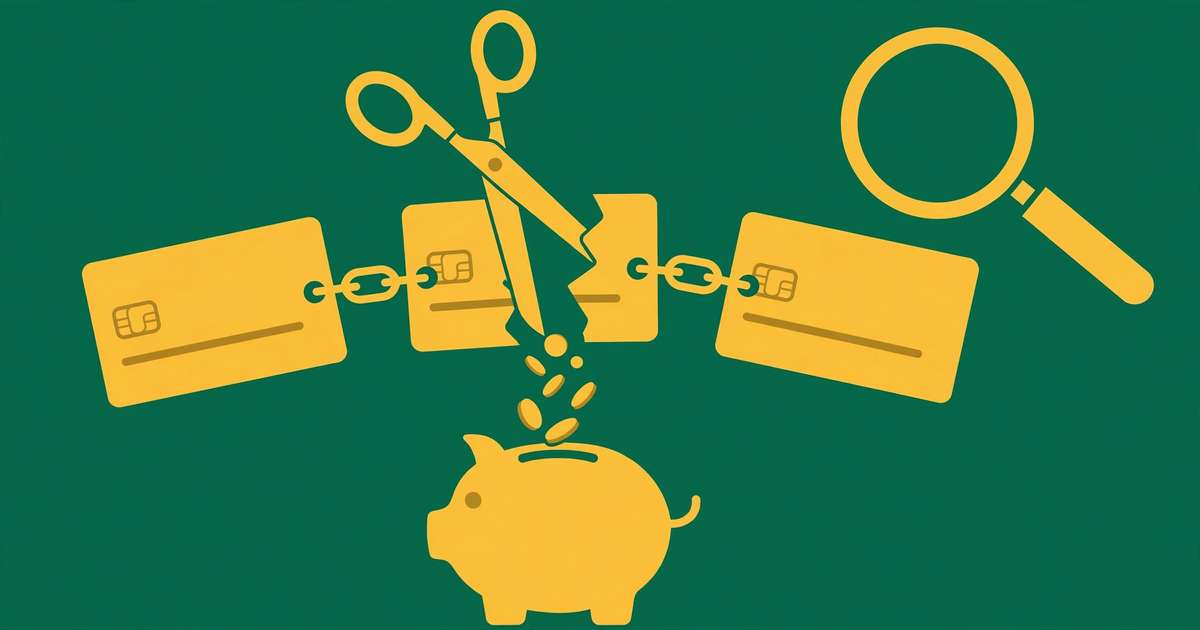
You signed up for a free trial in March. It’s September, and you’ve paid $14.99 six times for an app you opened twice. Multiply that by the streaming service you forgot, the gym you stopped visiting, and the cloud storage you don’t need — and the average person is leaking $200–$300 a month to subscriptions they barely use.
Worse, most people underestimate their subscription spending by more than $100 a month. The charges are small, automatic, and designed to be forgettable. Here’s how to hunt every one of them down and cancel with minimal pain.
Step 1: Find them all (the 45-minute audit)
Subscriptions hide in four places. Check all four:
1. Your email. Search for: receipt, renewal, trial ending, payment confirmation, subscription. This catches free trials that converted and annual renewals you forgot about.
2. Bank and credit card statements — 12 months back. Annual subscriptions only appear once a year, so a quick glance at last month isn’t enough. Highlight every recurring charge and ask: “Did I choose this this year, or did it choose me?”
3. Your phone’s subscription manager.
- iPhone: Settings → [your name] → Subscriptions
- Android: Google Play → profile → Payments & subscriptions → Subscriptions App-store subscriptions are invisible on bank statements beyond “Apple” or “Google” — this is where they hide.
4. PayPal and digital wallets. PayPal → Settings → Payments → Manage automatic payments. Old automatic payments live here for years after you stop using the service.
List every subscription with three columns: name, monthly cost (annual ÷ 12), and last-used date. The last column is the killer — anything unused for 60+ days is a cancel candidate.
Step 2: Sort into keep, pause, or cancel
Run each subscription through this filter:
- Keep: Used weekly, worth the price, no free alternative. (Be ruthless — “might use it” is not “use it.”)
- Pause: Seasonal or project-based (sports streaming out of season, software for a finished project). Many services offer pause instead of cancel — use it.
- Cancel: Unused 60+ days, duplicate (two music services?), or replaced by something free. This is usually 30–50% of the list.
The duplicate hunt deserves special attention. Two cloud storage plans, three streaming services with overlapping content, a meditation app and a fitness app with meditation built in — consolidation is the fastest win in any audit.
Typical audit results: 8–14 subscriptions found, 3–6 cancelled, $40–$90/month recovered. That’s $500–$1,000/year for 45 minutes of work — an hourly rate most lawyers would envy.
Step 3: Cancel without the runaround (scripts included)
Companies make cancelling hard on purpose: buried buttons, retention offers, chat-only cancellation. Here’s how to cut through:
When the cancel button is buried: Go to Account → Subscription/Membership → Manage. If there’s no cancel option, it’s deliberately hidden — skip straight to live chat.
The live-chat script (copy-paste ready):
“Hi, I’d like to cancel my subscription effective immediately, please. I don’t need any retention offers — please just process the cancellation and confirm by email.”
Why it works: it’s polite, unambiguous, and pre-empts the “but what if we offered you 50% off” script. Agents process plain requests fastest.
The phone script (for gyms and services requiring calls):
“I’m calling to cancel my membership. My account email is ___. Please confirm the cancellation date and that no further charges will occur.”
Get a confirmation number or email. “It’s cancelled” verbally means nothing without proof.
The nuclear option: If a company keeps charging after cancellation, dispute it with your bank or card issuer and request a stop on recurring charges from that merchant. Under card network rules, a cancelled subscription billed again is an unauthorized charge — banks side with you.
Step 4: Stop zombie subscriptions from coming back
Cancelling is half the battle. Staying cancelled requires systems:
- The trial rule: Never start a free trial without setting a phone reminder 2 days before it converts. Better: use a virtual card number with a $1 limit for trials (many banks and privacy.com offer these) so forgotten trials simply fail to charge.
- One card for subscriptions. Put every subscription on a single credit card. Your monthly statement becomes an automatic audit — new charges stand out immediately. (Our guide to cashback cards for beginners can make that card earn while it watches.)
- The annual-renewal calendar. When you keep an annual subscription, add its renewal date to your calendar with a 2-week warning. Decide actively each year instead of defaulting into another 12 months.
- Quarterly 10-minute check. Every three months, scan that one subscription card’s statement. Ten minutes, four times a year, catches everything.
Redirect Your Savings Automatically
Found $60/month in forgotten subscriptions? Don't let it dissolve into spending. Use the free budget calculator to reassign it to savings, investing, or debt payoff right now.
Open the Free Budget CalculatorThe subscriptions most people should question
Based on what audits typically uncover, interrogate these first:
- Multiple streaming services — rotate one at a time instead of stacking four year-round
- Gym memberships unused 60+ days — freeze or cancel; home workouts are free
- Cloud storage tiers you don’t fill — check actual usage before paying for 2TB
- App subscriptions from a forgotten download — the phone settings check catches these
- “Premium” versions of free tools — audit whether you use a single premium feature
- Subscription boxes — the novelty fades by month three for most people
- News/magazine paywalls you never read — library apps offer most of them free
None of these are bad — they’re just bad when unused. A subscription you love and use weekly is money well spent. Everything else is a leak.
FAQ
Q: How do I find all my subscriptions?
A: Search your email for “receipt,” “renewal,” and “trial,” then scan 12 months of bank and credit card statements for recurring charges. Also check your phone’s subscription settings (Apple ID and Google Play) and PayPal’s automatic payments page — these catch the ones statements miss.
Q: What is the easiest way to cancel subscriptions?
A: Cancel directly through each service’s website or app first — it’s usually under Account > Subscriptions. For services that hide the button, use their live chat and ask plainly. As a last resort, your bank can block recurring charges from a specific merchant.
Q: How much do subscriptions cost the average person?
A: Studies consistently find Americans spend $200–$300/month on subscriptions while estimating far less — often underestimating by $100+/month. Streaming, apps, memberships, and forgotten free trials are the biggest culprits.
Q: Should I use an app to cancel subscriptions for me?
A: Subscription-tracking apps can help you spot charges, but read the fine print — some take a cut of your savings or charge monthly fees themselves. A free manual audit once or twice a year usually finds everything without adding another subscription.