Build a QR Code Generator with JavaScript (Mini Project)
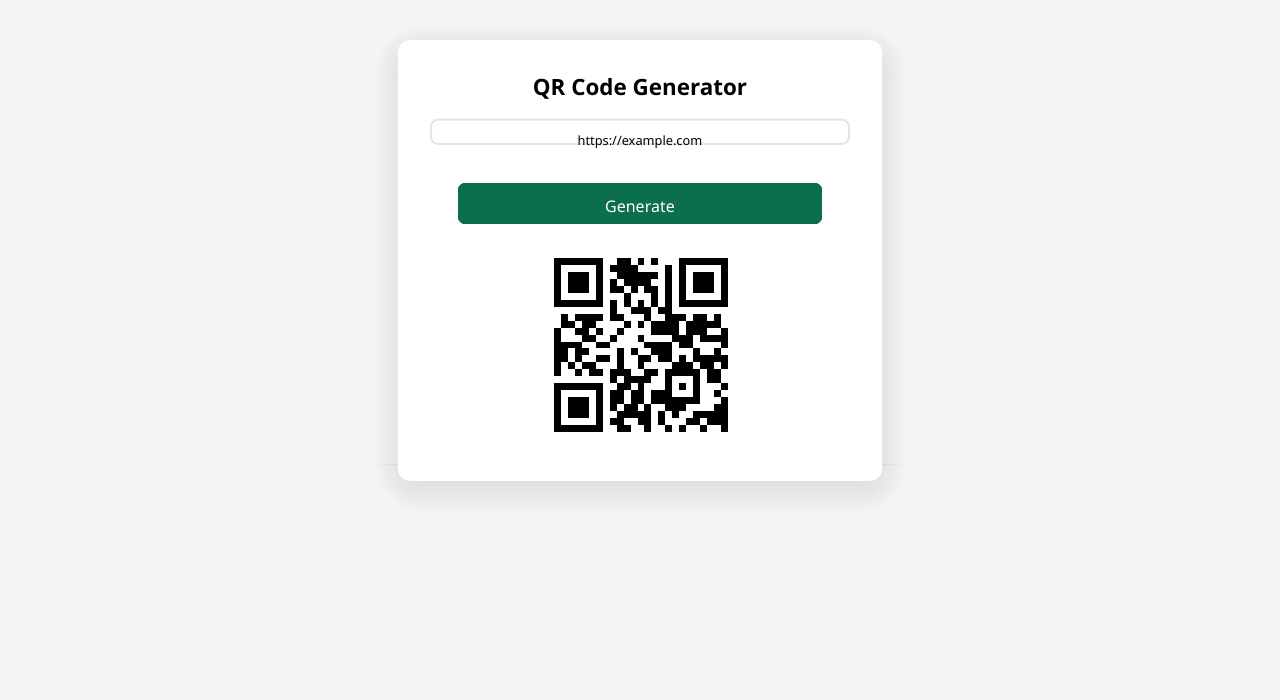
QR codes are everywhere — on restaurant menus, business cards, and payment apps — and generating one with JavaScript is a perfect beginner mini-project. In this tutorial you will build a small web app where you type any text or URL, click a button, and get a scannable QR code instantly.
We will use qrcodejs, a tiny free library loaded from a CDN, so there is nothing to install. The whole project is a single HTML file: an input box, a button, and about fifteen lines of JavaScript. If you would rather skip the coding and just generate a code right now, you can also use the ready-made tool at /tools/qr-code-generator/.
<!DOCTYPE html>
<html lang="en">
<head>
<meta charset="UTF-8">
<meta name="viewport" content="width=device-width, initial-scale=1.0">
<title>QR Code Generator</title>
<style>
  * { margin: 0; padding: 0; box-sizing: border-box; }
  body {
    font-family: Arial, sans-serif;
    background: #f3f4f6;
    display: flex; justify-content: center;
    padding: 3rem 1rem;
  }
  .app {
    background: #fff; width: 100%; max-width: 400px;
    border-radius: 12px; padding: 1.5rem; text-align: center;
    box-shadow: 0 4px 12px rgba(0,0,0,0.1);
  }
  h1 { margin-bottom: 1rem; color: #1f2937; font-size: 1.4rem; }
  input {
    width: 100%; padding: 0.7rem;
    border: 1px solid #d1d5db; border-radius: 8px;
    margin-bottom: 1rem;
  }
  button {
    padding: 0.7rem 1.2rem;
    background: #16a34a; color: #fff;
    border: none; border-radius: 8px;
    cursor: pointer; font-size: 1rem;
  }
  button:hover { background: #15803d; }
  #qrcode { display: flex; justify-content: center; margin-top: 1.2rem; }
  #qrcode img { border: 8px solid #fff; box-shadow: 0 2px 8px rgba(0,0,0,0.1); }
</style>
</head>
<body>
<div class="app">
  <h1>QR Code Generator</h1>
  <input type="text" id="qrText" placeholder="Enter text or URL...">
  <button id="generateBtn">Generate QR Code</button>
  <div id="qrcode"></div>
</div>
<script src="https://cdnjs.cloudflare.com/ajax/libs/qrcodejs/1.0.0/qrcode.min.js"></script>
<script>
  const qrText = document.getElementById('qrText');
  const generateBtn = document.getElementById('generateBtn');
  const qrBox = document.getElementById('qrcode');

  generateBtn.addEventListener('click', () => {
    const text = qrText.value.trim();
    if (!text) {
      alert('Please enter some text or a URL first.');
      return;
    }
    // Clear any previous code, then generate a fresh one
    qrBox.innerHTML = '';
    new QRCode(qrBox, { text: text, width: 200, height: 200 });
  });
</script>
</body>
</html>
How it works
- The qrcodejs library does the heavy lifting. One
<script>tag loads it from the cdnjs CDN — no npm, no build step, no API keys. - Input validation first. The click handler trims the input and shows a friendly alert if it is empty, so you never generate a blank code.
- Clear before regenerating. Setting
qrBox.innerHTML = ''wipes the previous QR code, so each click produces exactly one fresh code. - One constructor call.
new QRCode(qrBox, { text, width, height })renders the code as an image inside the container — that is the entire generation logic. - Easy upgrades. Try adding a download button (grab the generated
<img>src), a size selector, or color options via the library’scolorDarkandcolorLightsettings.
Recap
In under fifty lines you built a working QR code generator with vanilla JavaScript and a free CDN library. Copy the code above to keep the project, or skip straight to the finished version at /tools/qr-code-generator/.